

Schools have a lot of information to share with students, staff, parents and visitors. Yet information has little value if no one sees it. Here, we explore what digital signage can bring to the school day – and how to get started.
Why use digital signage in schools?
I like to think of digital signage as the modern noticeboard: clearly visible in common areas and in places where students, staff and visitors naturally pass by or spend time.
The big screen – a shared point of reference
One of the strengths of a digital display is that many people see the same message in the hallway, canteen or entrance area. It’s there for people to see as they go about their day.
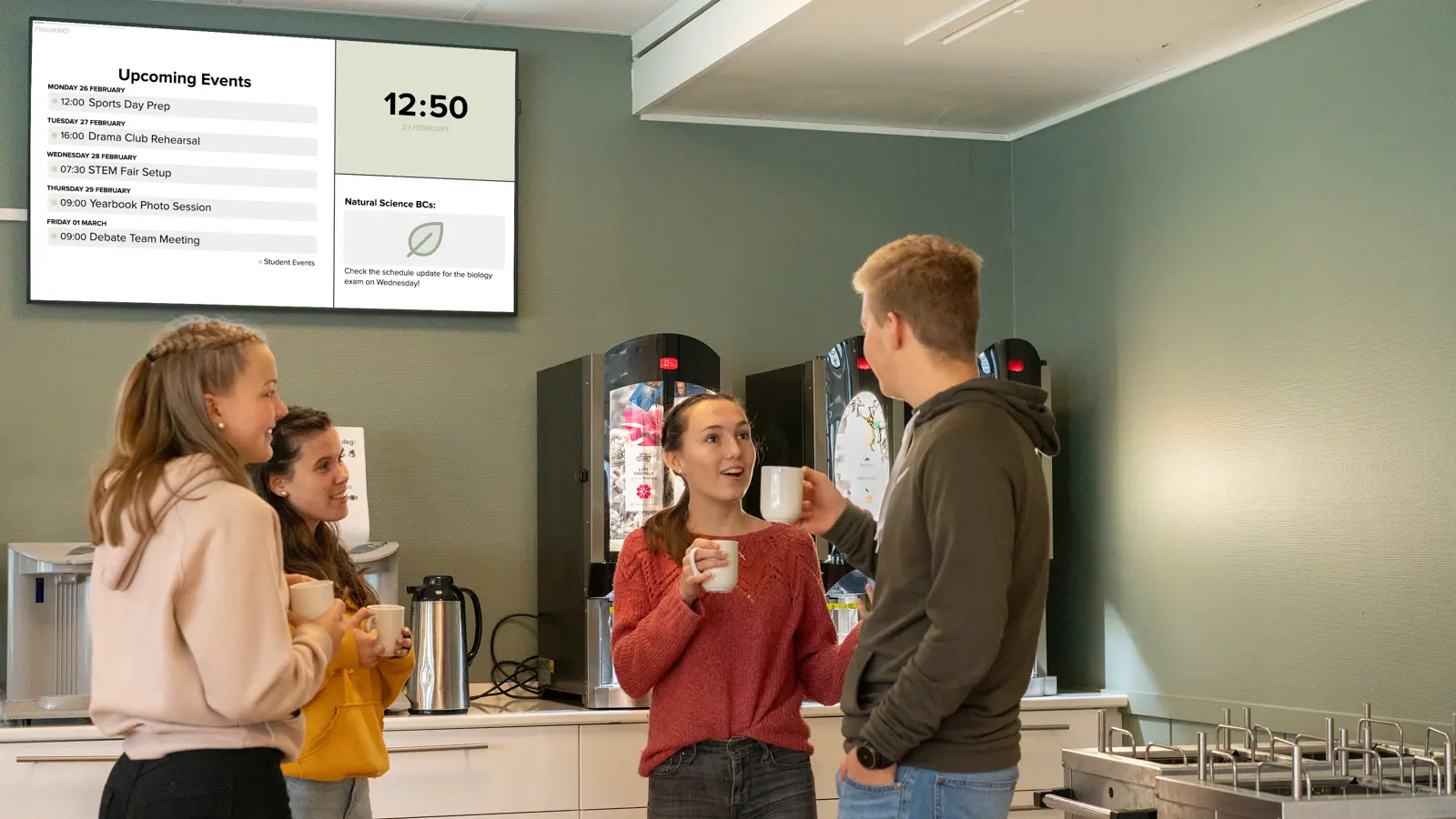
Digital signage also works differently from many other digital channels: it reaches people where they are, without them having to actively seek out the information.
A traditional noticeboard has much of the same strength. The difference is that someone has to print things out, put them up, take them down, tidy up and make sure the information is still up to date.
Easier to keep content up to date
With a digital display, it’s much easier to keep content up to date. You can manage everything from your computer or phone, and schedule each post to appear and disappear at the right time.
A post about an upcoming event can appear as the date approaches and disappear once it’s over. A regular reminder can be shown at set intervals, without anyone having to remember to publish it again.
Information where and when it matters
In short, digital signage can help get the right information to the right people, in the right place and at the right time.
What can digital signage be used for in schools?
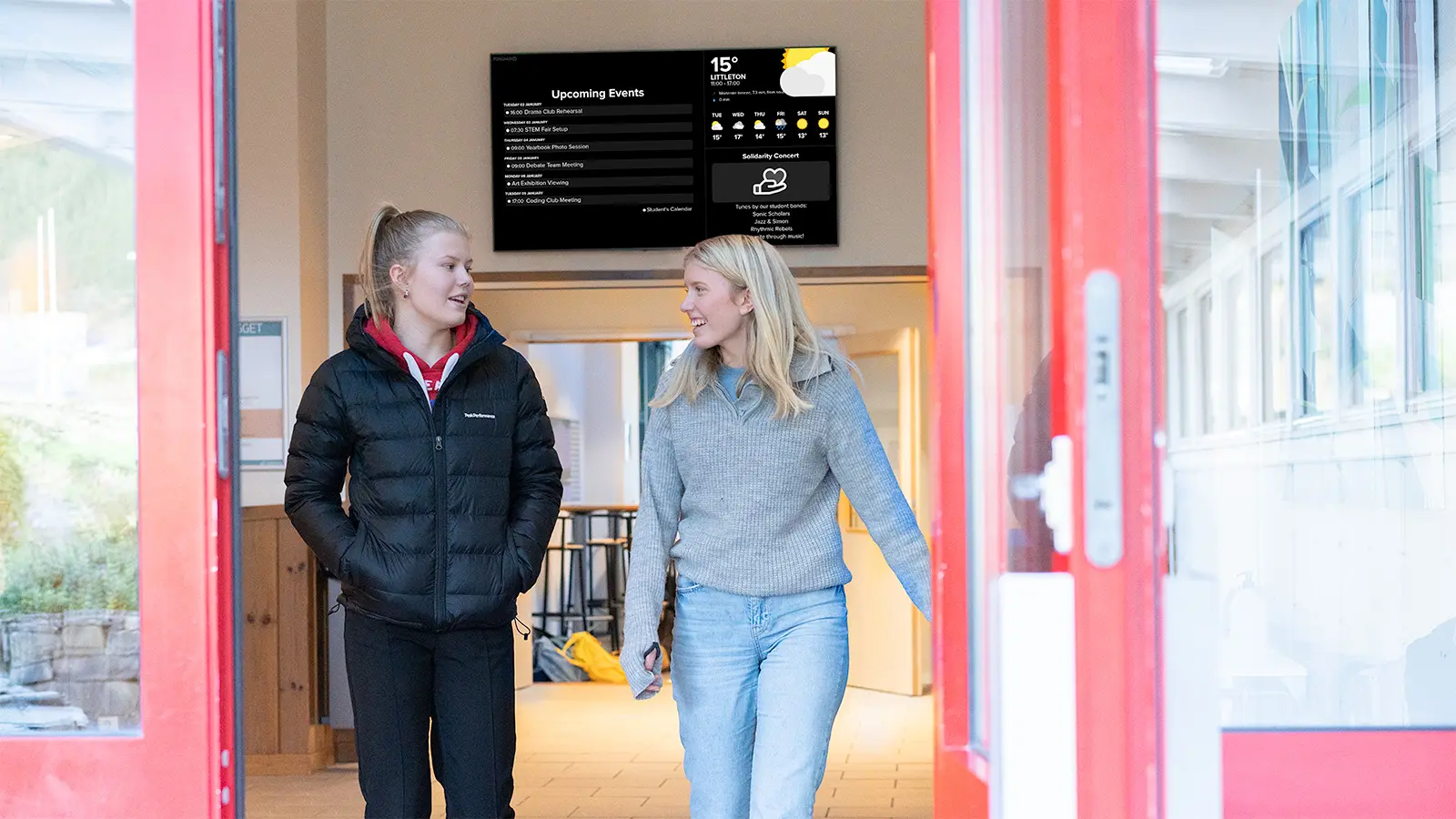
Different screens can serve different audiences and purposes. A screen at the main entrance will often show something different from one in the canteen or staff room. The same information doesn’t need to be shown everywhere.
When the screen is for students
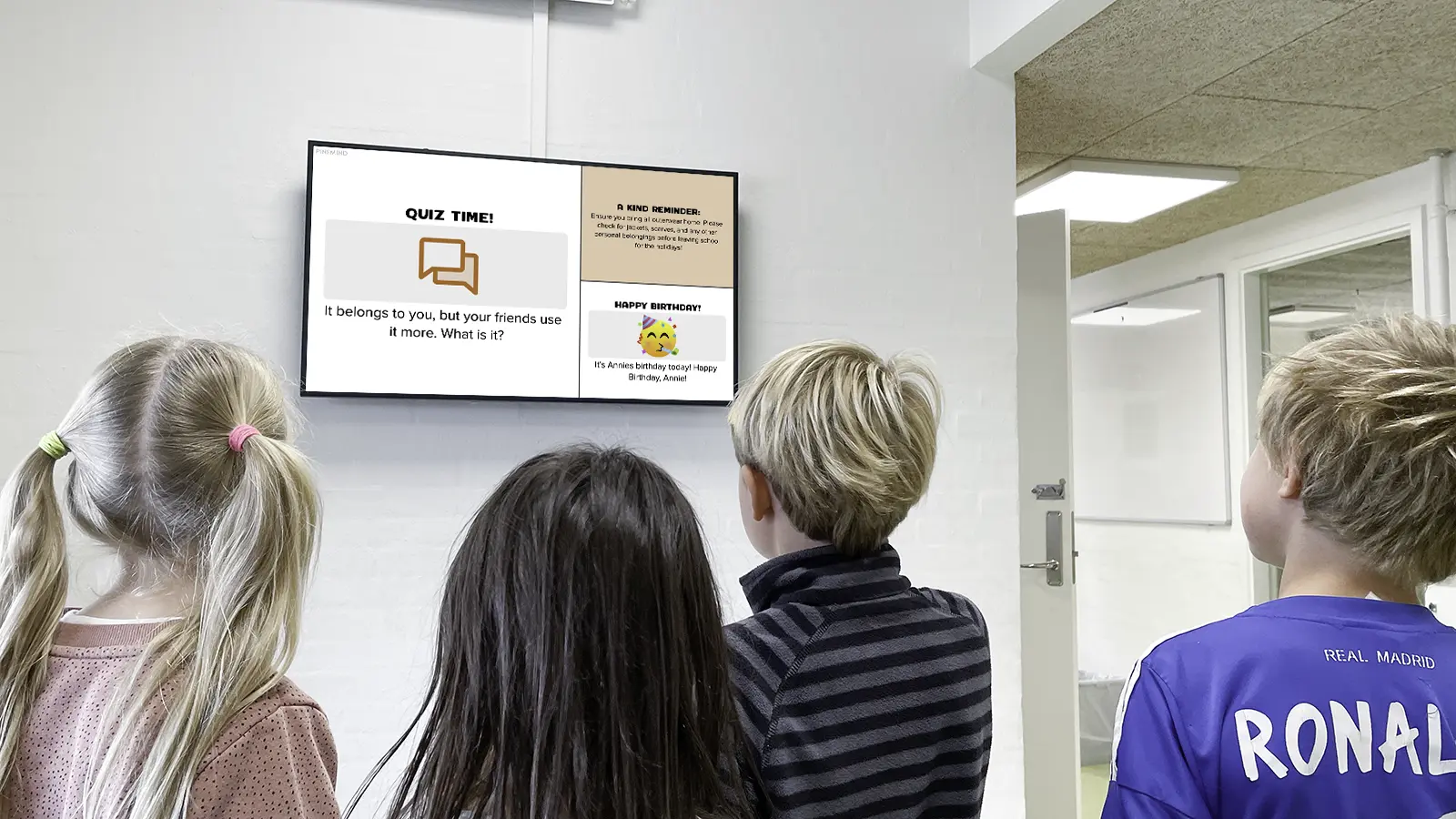
When the screen is for students, both the content and the way it’s presented will naturally vary depending on their age and where the screen is located. A screen in an elementary school hallway has a different job to do than one in a high school canteen.
Relevant content might include practical information about the day or week ahead, timetable changes, activities and events, deadlines and sign-ups. It could also include news from the student council or information from the school nurse or counsellor.
And not everything has to be a practical announcement. A riddle of the day, a weekly challenge, photos, results, congratulations and content that promotes positive values can all help create engagement and a sense of community – and contribute to a positive school environment.
When the screen is for staff
In the staff room, a digital display can make relevant information visible as a natural part of the working day. Instead of having to remember to look for updates, staff see them when they enter the room.
This could include daily duty rosters and cover schedules, meetings and deadlines, health and safety information, internal announcements, events and other updates relevant to staff.
When the screen is for parents and visitors
Parents and visitors often have different needs. They may not know the school as well and need information that quickly tells them where to go, what’s happening and what they need to know right now.
A screen at the entrance can welcome visitors, point them towards the right room or event, and share practical information. The school can also use it to show photos, upcoming events and other content of general interest.
Why choose PinToMind?
There are many digital signage solutions to choose from. So what makes PinToMind a good fit for schools? Here are four reasons.
1. It all started in a school
When the development of PinToMind began around 2010, it was people working in education who were behind it.
They had experienced first-hand the need for a simpler, more flexible way to share duty rosters, canteen information and other important updates. That’s how PinToMind came to be.
A lot has changed since then, and today PinToMind is used by all kinds of organisations. But schools have been part of our story from the very beginning, and we still have several experienced teachers on our team.
We believe that’s an important reason why you’ll find PinToMind in so many schools and educational institutions today – from primary and secondary schools to colleges and universities.
2. Easy to manage
From the very beginning, PinToMind has been designed to be easy to use, whatever your level of technical experience. Teachers, assistants and others with something to share should be able to create and publish content without being IT experts.
It should also be easy to keep screens up to date during a busy school day. Content can be created, scheduled and published directly from a web browser on your computer or phone – without having to be anywhere near the screen itself.
3. Let more people contribute
One person doesn’t have to be responsible for everything. You can add as many users as you need and give them different roles and levels of access.
This makes it easy to share the day-to-day management of your screens. People who contribute content can have access to what they need, without everyone having access to everything.
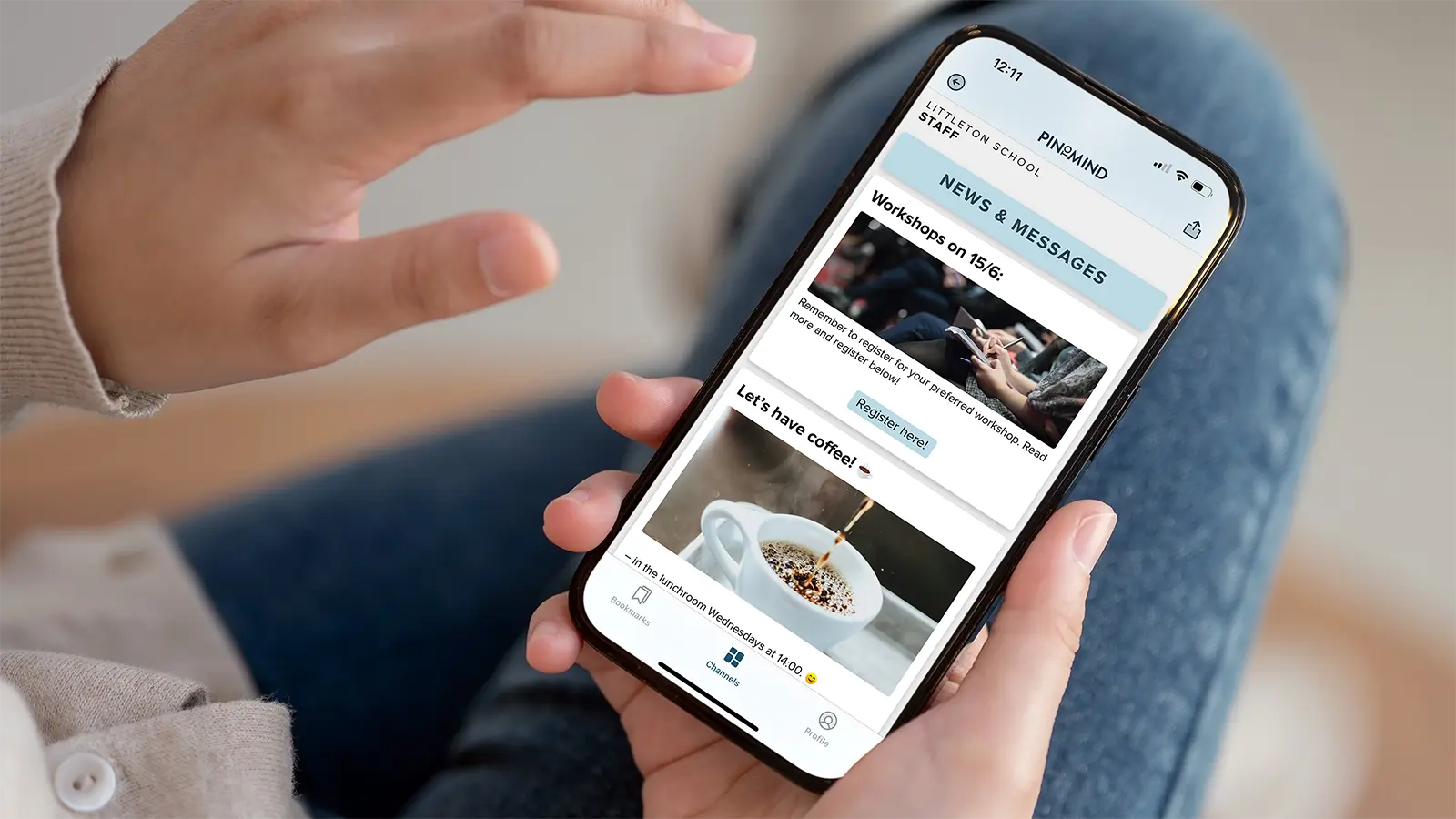
4. From the big screen to mobile with PinToMind Go
The idea for our mobile app, PinToMind Go, also grew out of a need we saw at a school: How could information stay accessible when students and staff weren’t near a screen?
With PinToMind Go, they could have PinToMind in their pocket too.
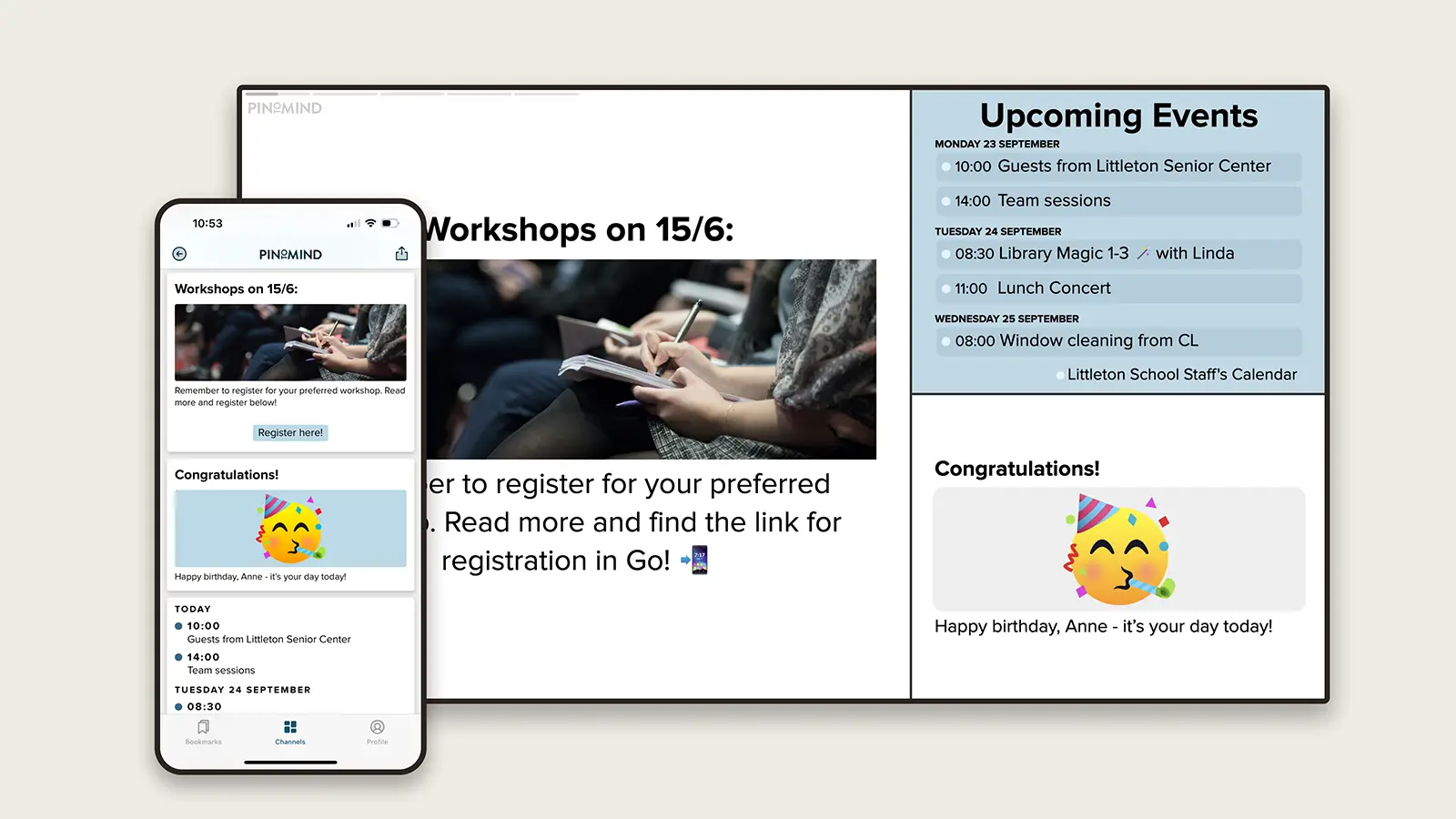
Schools can share the same channel in Go as they do on their screens, or create separate mobile channels with some or all of the same content. This allows students, staff, parents and others to follow the information that’s relevant to them.
The two work together: PinToMind makes information visible where people spend time at school, while PinToMind Go keeps it accessible wherever they are.
In Go, the school’s own content gets the attention – without other content competing for it. Read more about PinToMind Go as an alternative to social media.
How other schools use PinToMind
Needs vary from one school to another – and so does the way PinToMind is used.
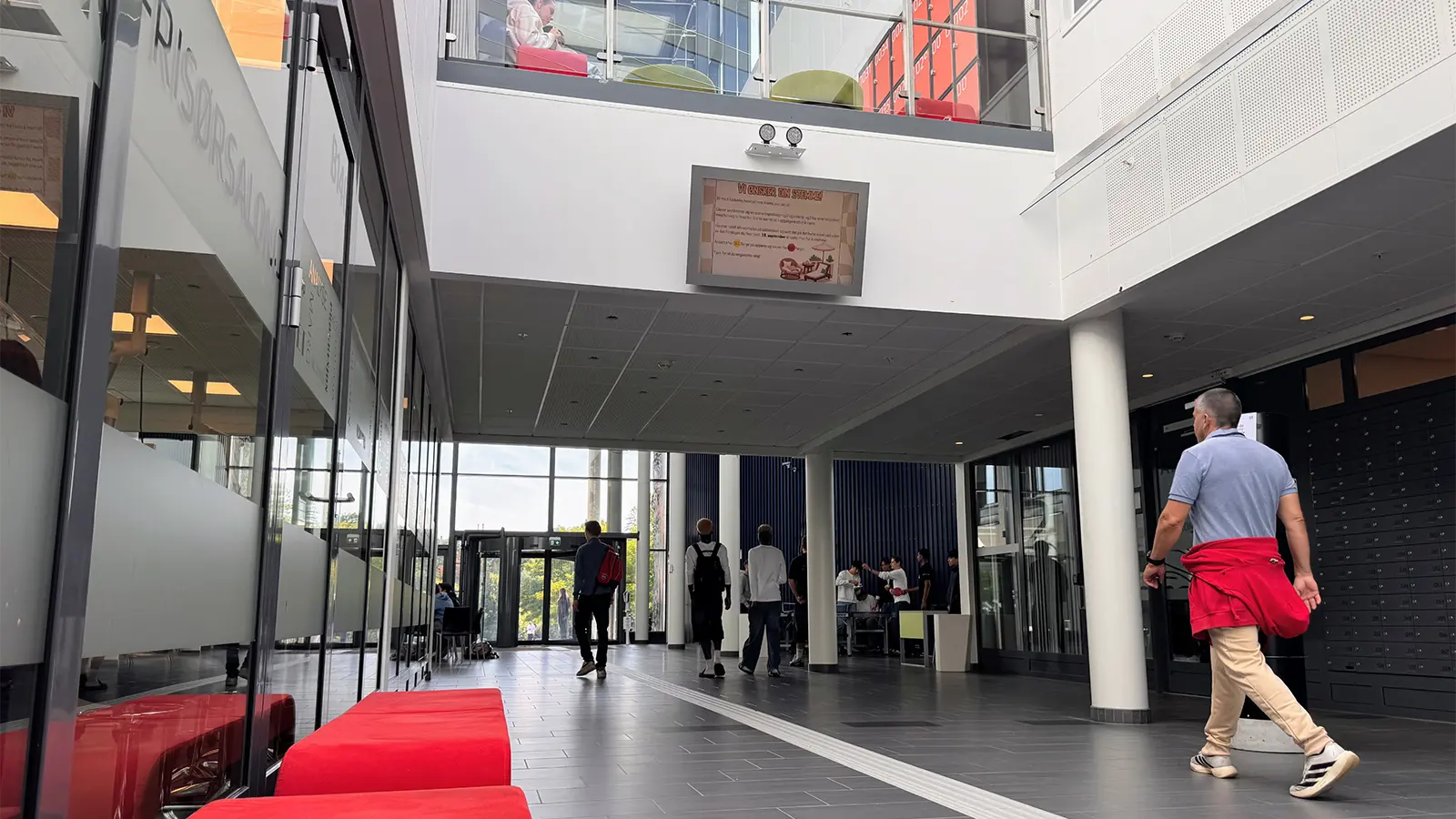
At Sam Eyde Upper Secondary School, 20 digital displays keep students and staff informed across the school, including in the staff room, library, canteen, stairwells and entrance areas. Read the story of how Sam Eyde Upper Secondary School uses PinToMind.
And here are a few experiences from other schools using PinToMind:
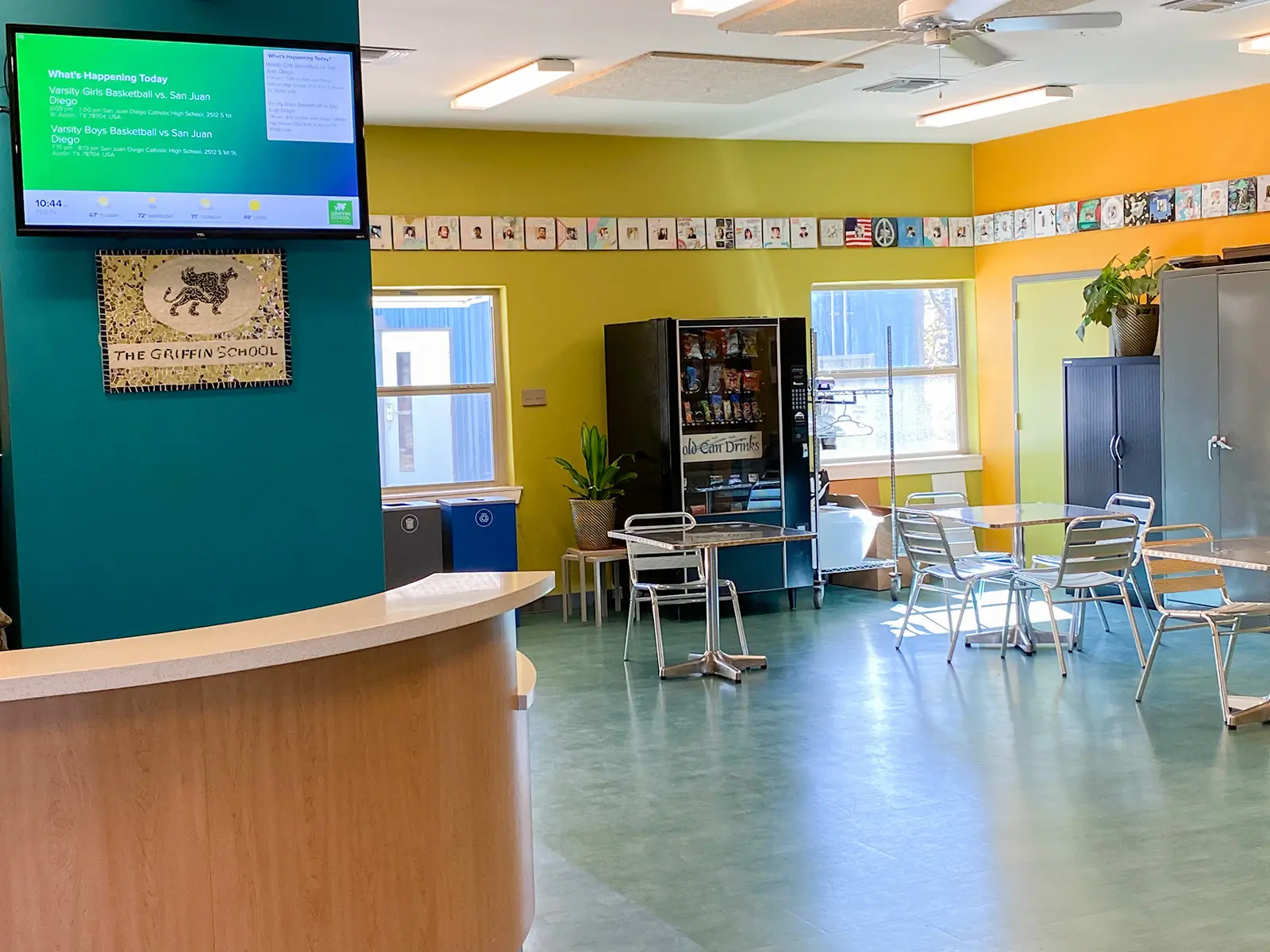
PinToMind isthe perfect digital signage solution for our school – easy to use, with great features and pricing. Angé Eaton,
Griffin School, Texas
I highly recommend PinToMind. It is greatly appreciated by all the staff at our school. We consider itone of the best investments we’ve ever made . It’s easy to maintain and has a stylish, professional design. Lars Ericsson,
Vinninga School, Sweden
Easy to use, great design andexcellent customer service ! Johan Kristoffer Breistein,
Danielsen Secondary School, Norway
What does your school need to get started with digital signage?
Getting started doesn’t have to be a big project. Essentially, all you need is a PinToMind account, internet access and a screen to display your content.
Choosing the right equipment
If you already have a screen, there’s a good chance you can use it. In our equipment guide, you can check what works with PinToMind and see what we recommend if you’re buying new equipment.
Try it free for 30 days
You can try PinToMind free for 30 days before you decide. If you have a screen available, you can test PinToMind on it. If not, you can use the preview in PinToMind to see how your content will look on screen. You can also try the PinToMind Go mobile app without any screen equipment at all.
You’ll find PinToMind pricing on our pricing page. You don’t need to choose a plan when you start your free trial, though. You can wait until you’ve had a chance to try PinToMind and see what you actually need.
Ready to give it a try?
Try PinToMind free for 30 days. There’s no commitment, and you’ll have access to all features from the start.
If you need help figuring out what would work best for your school, or simply have a question, you’re always welcome to get in touch.







 Show details

 Back to top