

Keeping more than 1,700 students and nearly 400 staff up to date with important information every day can be a challenge. At Sam Eyde Upper Secondary School, PinToMind makes it simple.
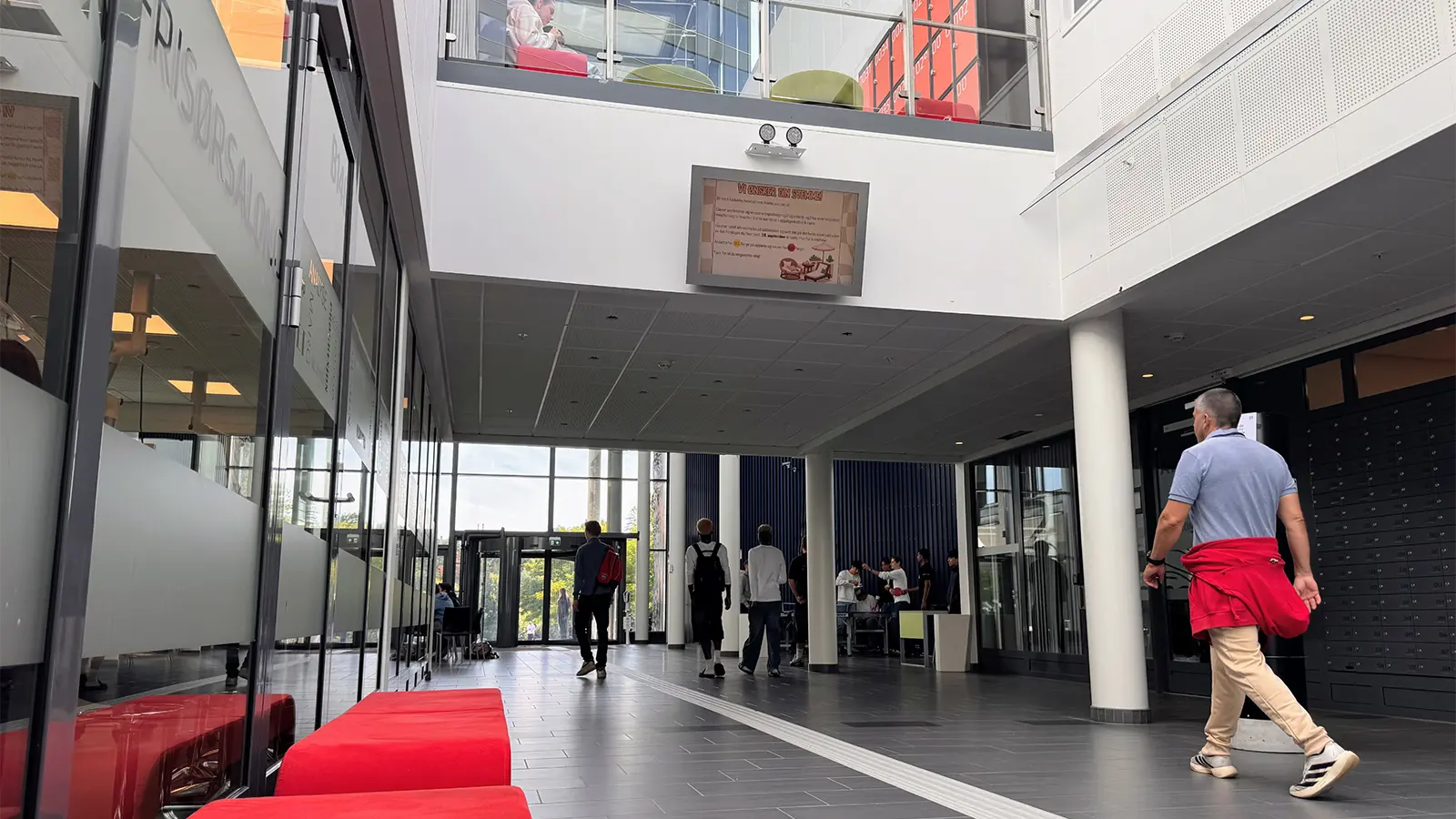
When a school is named after an inventor and one of the pioneers of modern Norwegian industry, perhaps it comes with certain expectations when it comes to technology.
Sam Eyde Upper Secondary School has certainly embraced it: ever since the school opened in 2012, it has used digital signage to keep students and staff informed about what’s going on.
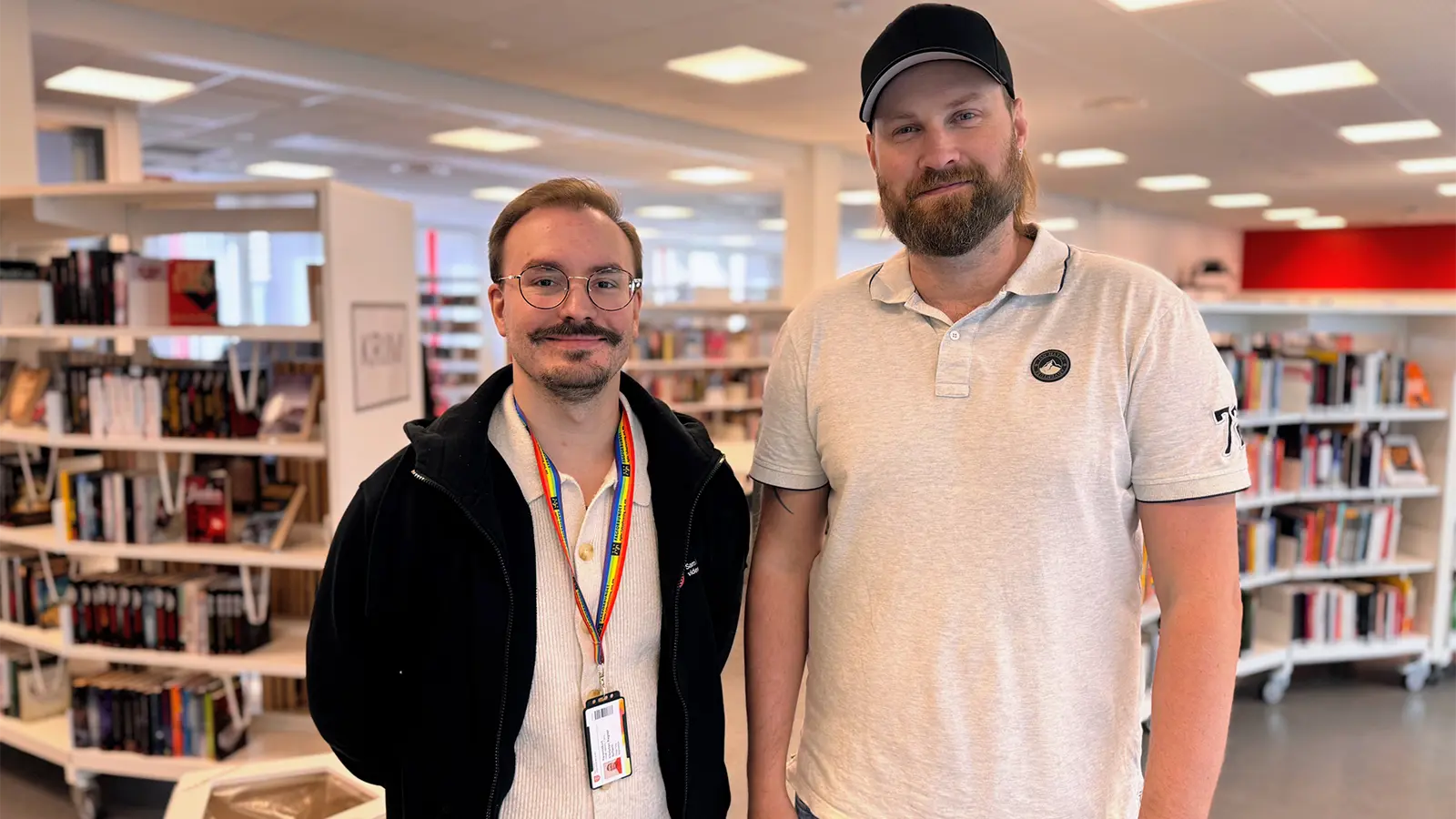
– We know students and teachers pay attention to what’s on the screens – they’re quick to let us know if we get something wrong, smiles IC Coordinator Håkon Stickler.
Together with school librarian Christian Ragnar Schach, he is responsible for managing the content on the school’s digital signage.
Sharing a wide range of information
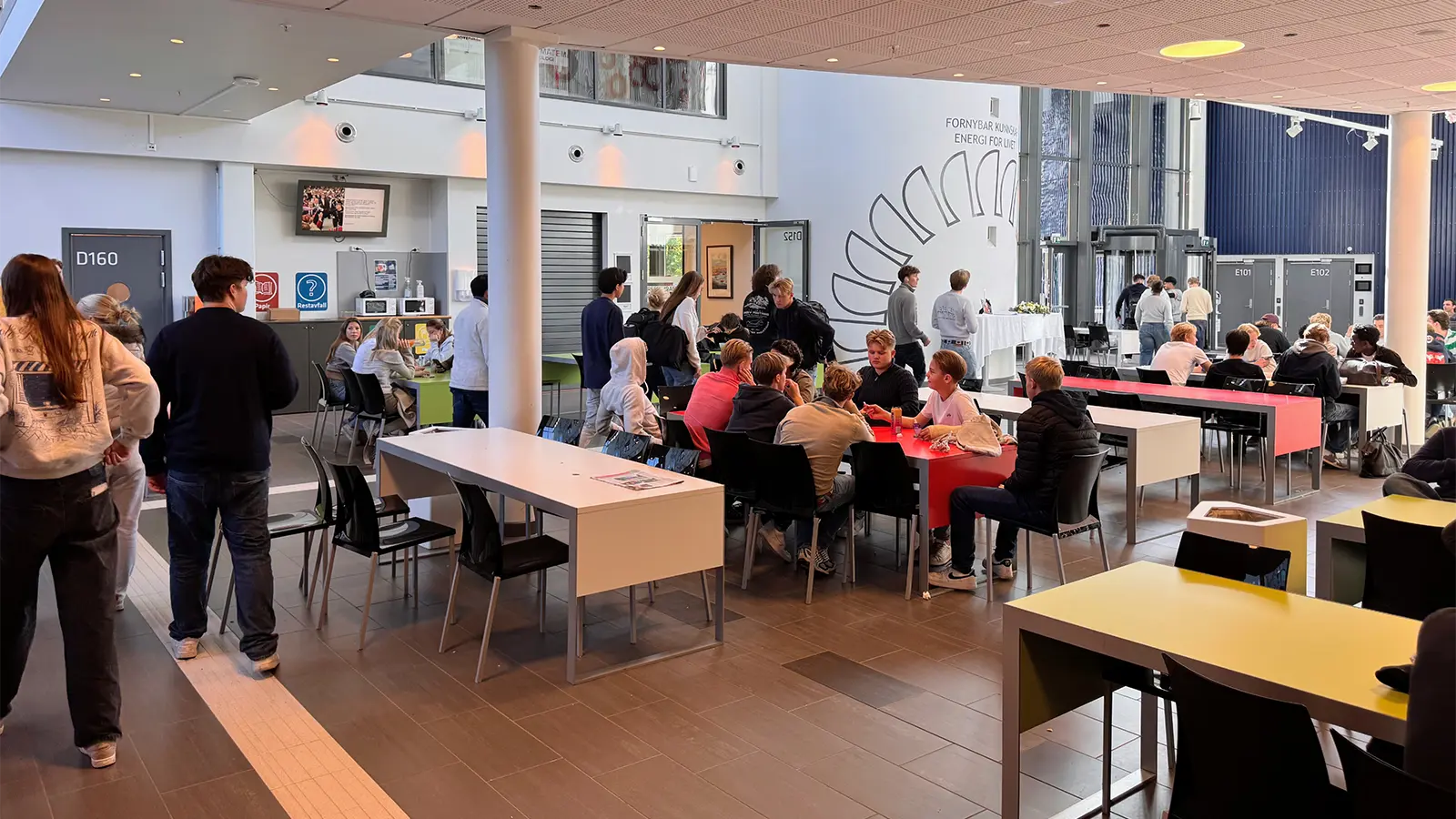
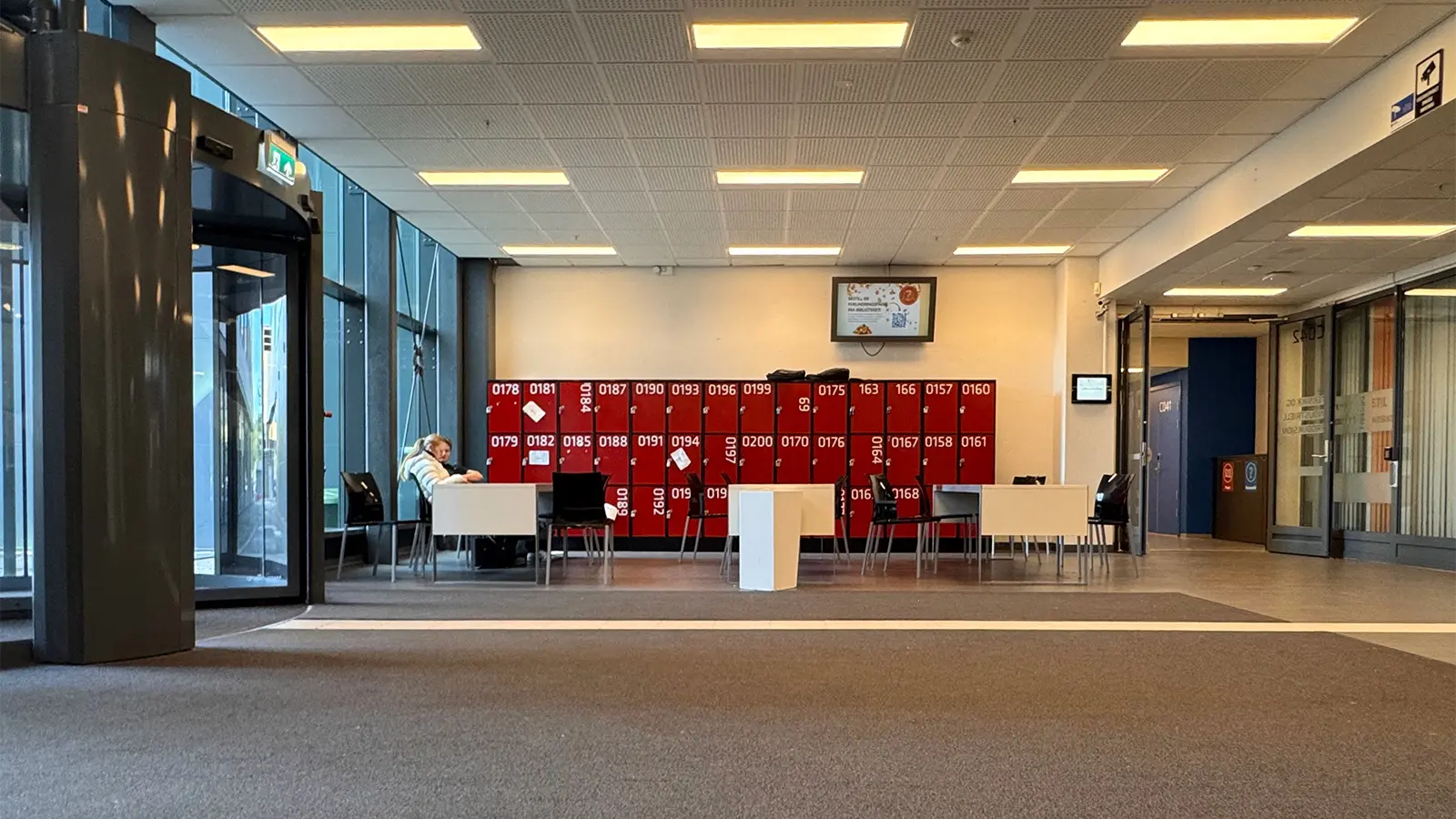
The school has 20 digital signage screens across the campus, including in staff rooms, the library, the cafeteria, stairwells and entrance areas. This makes it easy to reach a large number of people with all kinds of information – from vaccination notices and career guidance to practical information about student laptops.
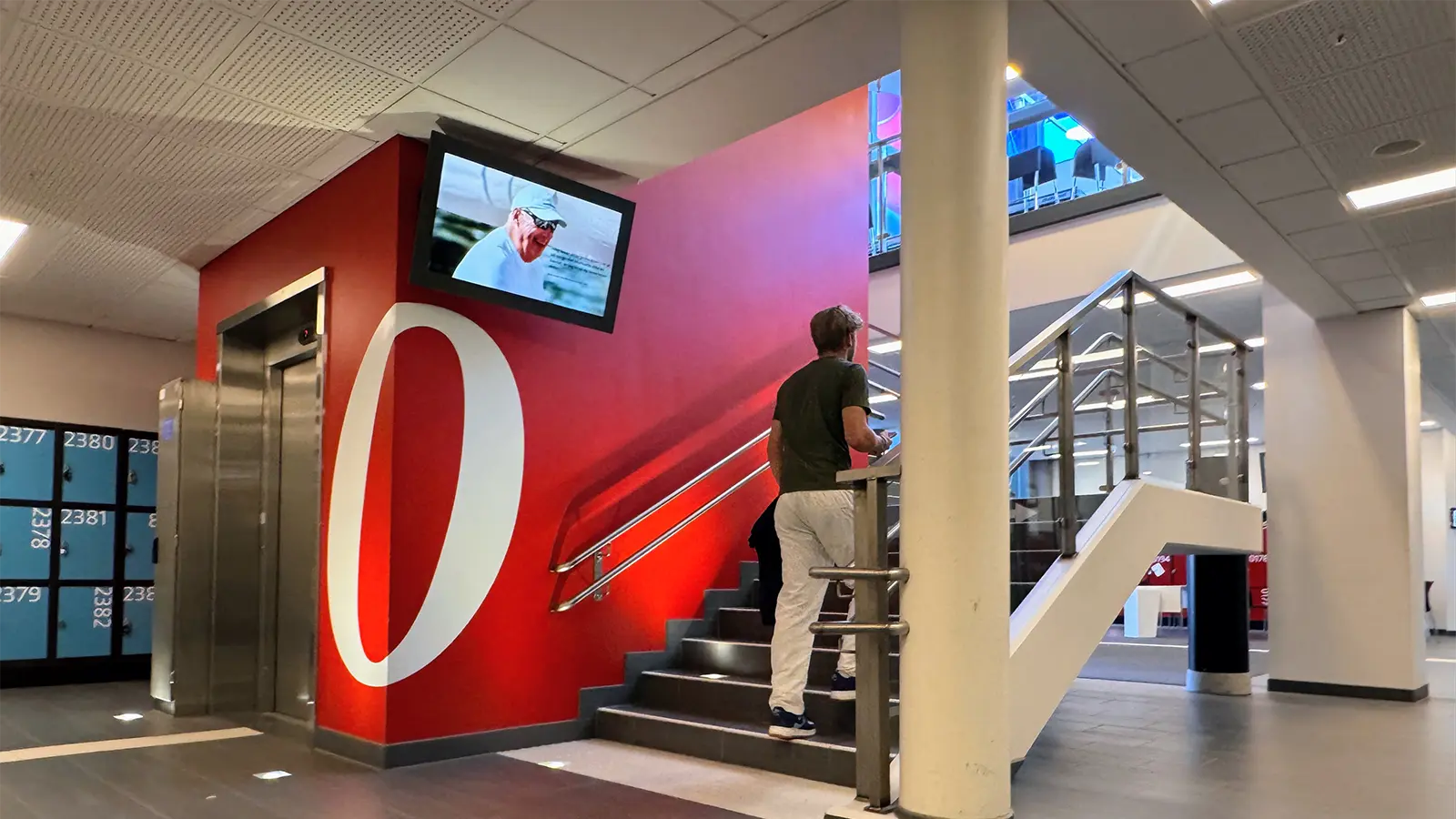
– From the library, we share information about cultural events, activities and other opportunities for students. We also use the screens to highlight awareness days, such as World Mental Health Day, says Christian.
Flexible and always up to date
Håkon and Christian are always considering how to make the best use of the screens.
– There’s always a risk of putting too much information on the screens at once. It helps that PinToMind is so simple to manage. We can schedule content and easily remove anything that’s no longer relevant, says Christian.
It’s hard for them to imagine going back to communicating without digital signage.
– We’d probably be back to pen and paper, putting up posters everywhere, says Christian.
Håkon agrees that things could quickly get chaotic:
– The amount of paper we’d use would be ridiculous, and we’d need enormous noticeboards. And once a poster went up, it would probably still be hanging there a month after it was out of date, he states.
No unnecessary fuss
They describe PinToMind as simple and user-friendly, with everything easy to find.
– I’ve tried a few other solutions, but none of them beat PinToMind. There’s no unnecessary fuss and no endless list of options. It’s simply a well-designed user interface, says Håkon.
– The design on the screens is clean and elegant too, Christian adds.
It just works
As IT Coordinator, Håkon also looks at PinToMind from a technical perspective.
– The best thing about PinToMind is its reliability. In 14 years, we’ve never experienced any downtime. If something isn’t working, it’s at our end, related to our hardware. Our main challenge today is some of our older equipment, he says.
Håkon is also impressed by the response whenever he has contacted the PinToMind team with questions.
– Whenever I’ve needed help, it’s been easy to get in touch with support and I’ve always received good answers. They’re quick to respond, both by phone and email, he concludes.
Interested in finding out how PinToMind could help your school? Get in touch – we’d love to hear from you!







 Show details

 Back to top