

Digital signage is a brilliant way to improve communication across all kinds of organisations. In this article, I’ll walk you through what digital signage actually is — and how it can help you share information more effectively.

The modern noticeboard
Digital signage is, simply put, a way of showing up-to-date information on screens.
Personally, I like to think of it as the modern version of the traditional noticeboard.
You know the one: printed posters, hand written notes, bits of paper attached with pins or tape. A simple and useful concept that most of us are familiar with – but one that also has its limitations.
Posters become outdated. Important information gets buried. Things start to look messy. And keeping everything updated takes time and effort.
That’s exactly where digital signage takes things several steps further.
Instead of paper and tape, you have a digital tool that lets you create and update content in seconds – wherever you are.
With scheduling and time-based publishing, you can even make content disappear automatically once it’s no longer relevant.
And perhaps most importantly: screens grab attention. People notice them. That’s what makes digital signage such an effective channel for sharing messages and important information.
It’s not just a screen – it’s a communication tool
When people hear “digital signage”, many immediately think about the screen itself.
And yes – you do need a screen.
But in my experience, the most important part is actually what happens behind it.
A digital signage solution is first and foremost a place where you can log in, create content, update information and manage what appears on your screens.
If that part isn’t easy to use, the screens themselves won’t get you very far.
Modern solutions can also help you reach people on the device they use most: their mobile phone.
That way, you’re no longer dependent on people physically standing in front of the screen when information is displayed.
What problems can digital signage solve?
The possibilities vary from solution to solution, but here are some of the things I believe matter most:
Manage everything from anywhere
Most modern solutions run directly in your browser. That means you can update one screen – or hundreds – no matter where you are.
Schedule content in advance
You can decide what should be shown, and when. This makes it much easier to keep content relevant and up to date automatically.
Creating content is easier than you think
You don’t need to be a designer to create professional-looking content.
Most platforms include ready-made templates that help you create clear and visually appealing content quickly.
Integrate content from other systems
Many digital signage platforms let you pull in content from tools you already use – such as calendars, dashboards, social media feeds, news or weather updates.
Create a visual style that fits your environment
Screens become part of the surroundings. With the right fonts, colours and layouts, digital signage can strengthen your visual identity and make the environment feel more modern and professional.
Common uses for digital signage
One of the things I find most interesting about digital signage is how differently organisations use it.
The goal is usually the same: Getting the right information to the right people at the right time.
But the way it’s used can vary a lot. Here are a few common examples:
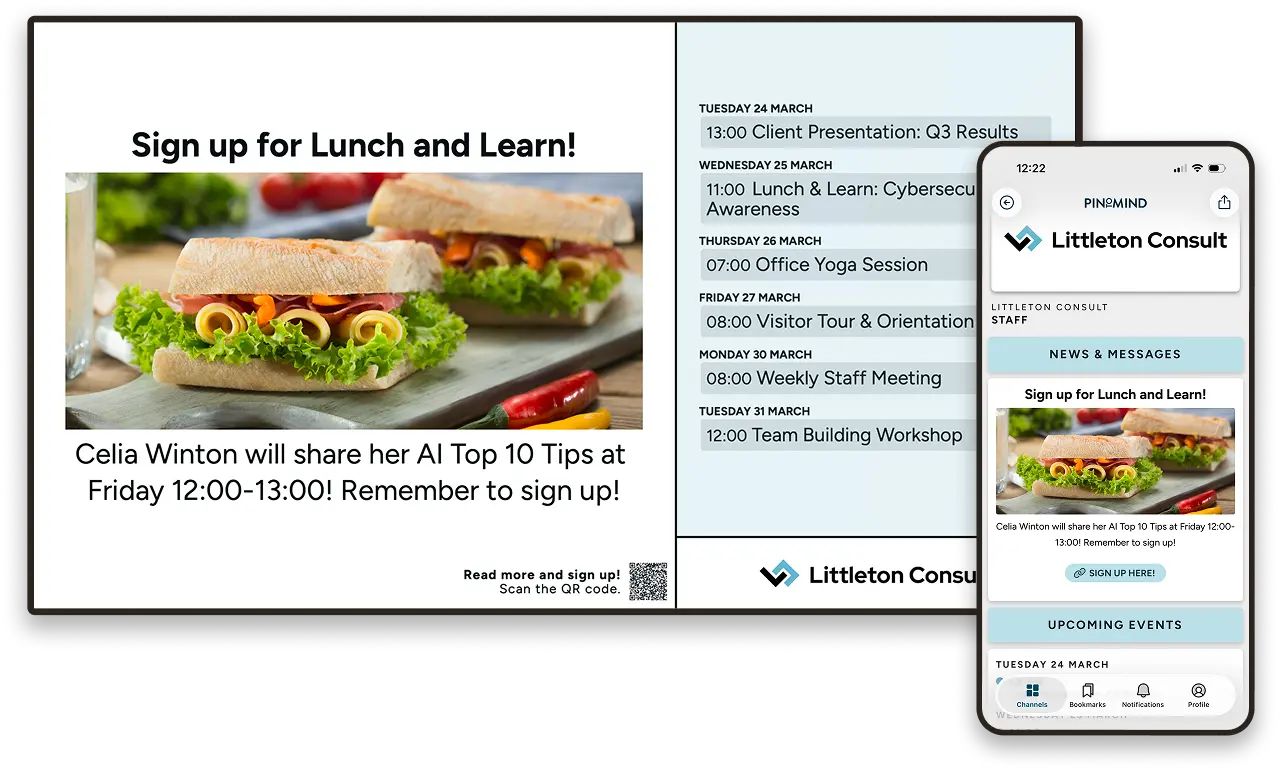
Offices and workplaces
In office environments, digital signage can support both internal and external communication.
For example, screens can be used for:
- visitor information in reception areas
- internal updates in shared spaces such as kitchens or break rooms
- company news, goals and KPIs
- reminders about meetings, events or deadlines
Many organisations also combine screens with mobile communication, so employees receive the same information wherever they are.
Public sector and education
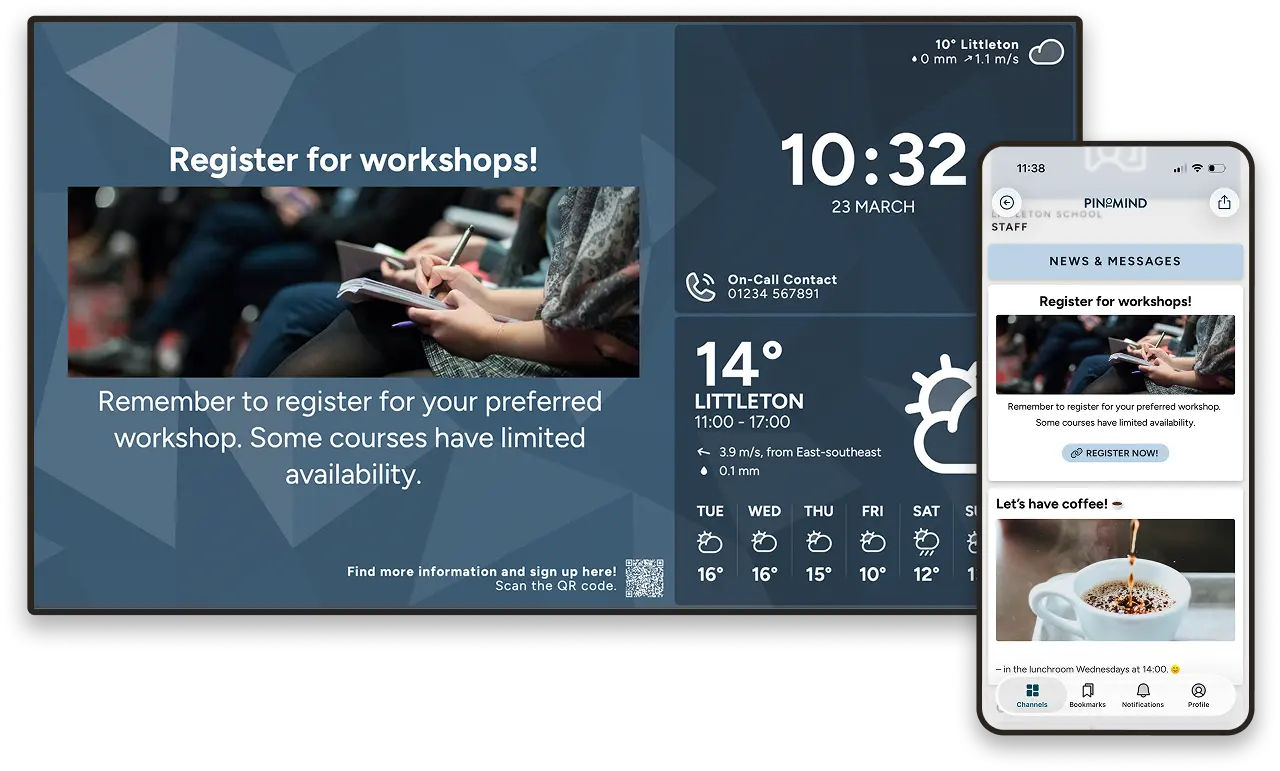
Public organisations often need to communicate with several different audiences at once – employees, visitors, students, residents or parents.
Digital signage makes that easier.
Typical use cases include:
- information in reception and waiting areas
- announcements in schools and nurseries
- updates in healthcare and care facilities
- internal communication for staff
Because content can be updated instantly, it’s much easier to keep information relevant and accurate.
Retail and shopping centres
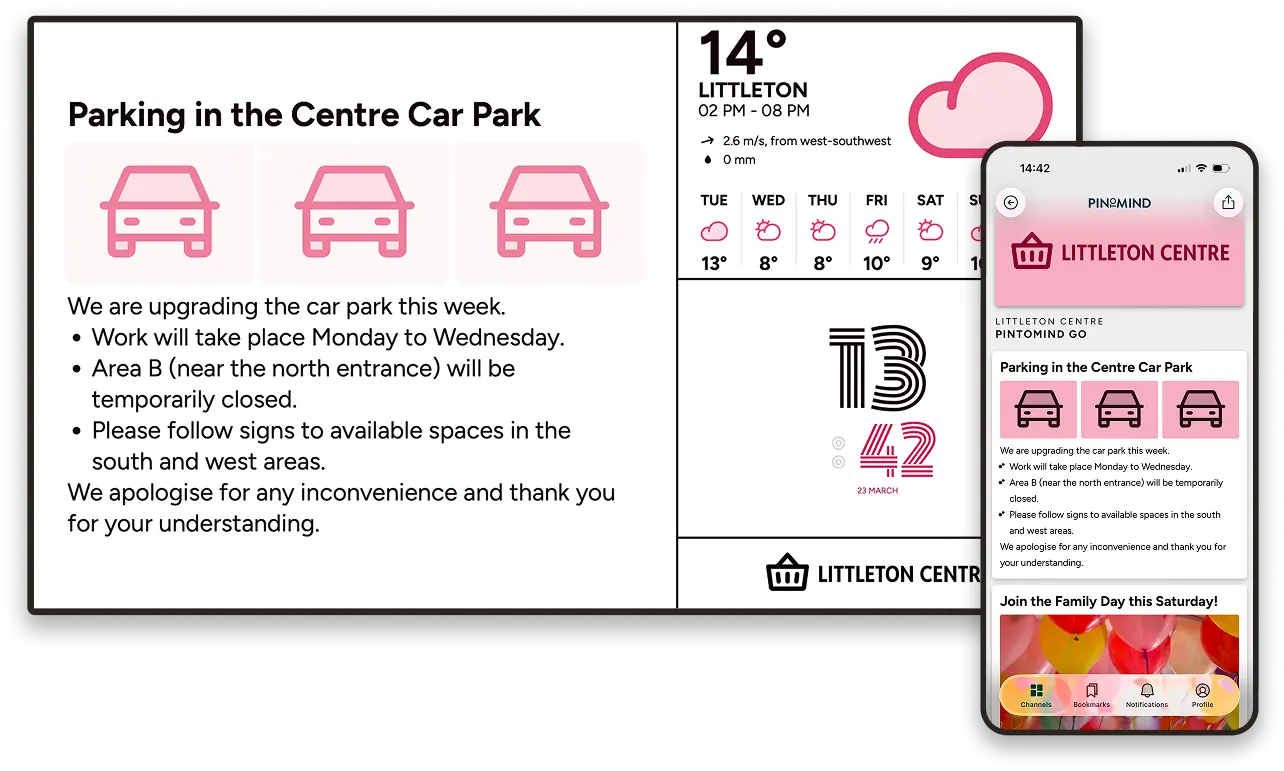
For retailers, digital signage is an effective way to promote campaigns, products, events and offers.
We often see that:
- local shops use screens as a modern community noticeboard
- shopping centres display campaigns, opening hours and events
- specialist retailers use screens to strengthen their brand and highlight products
Screens bring life into the space and make it easier to catch customers’ attention.
Clubs, charities and community organisations
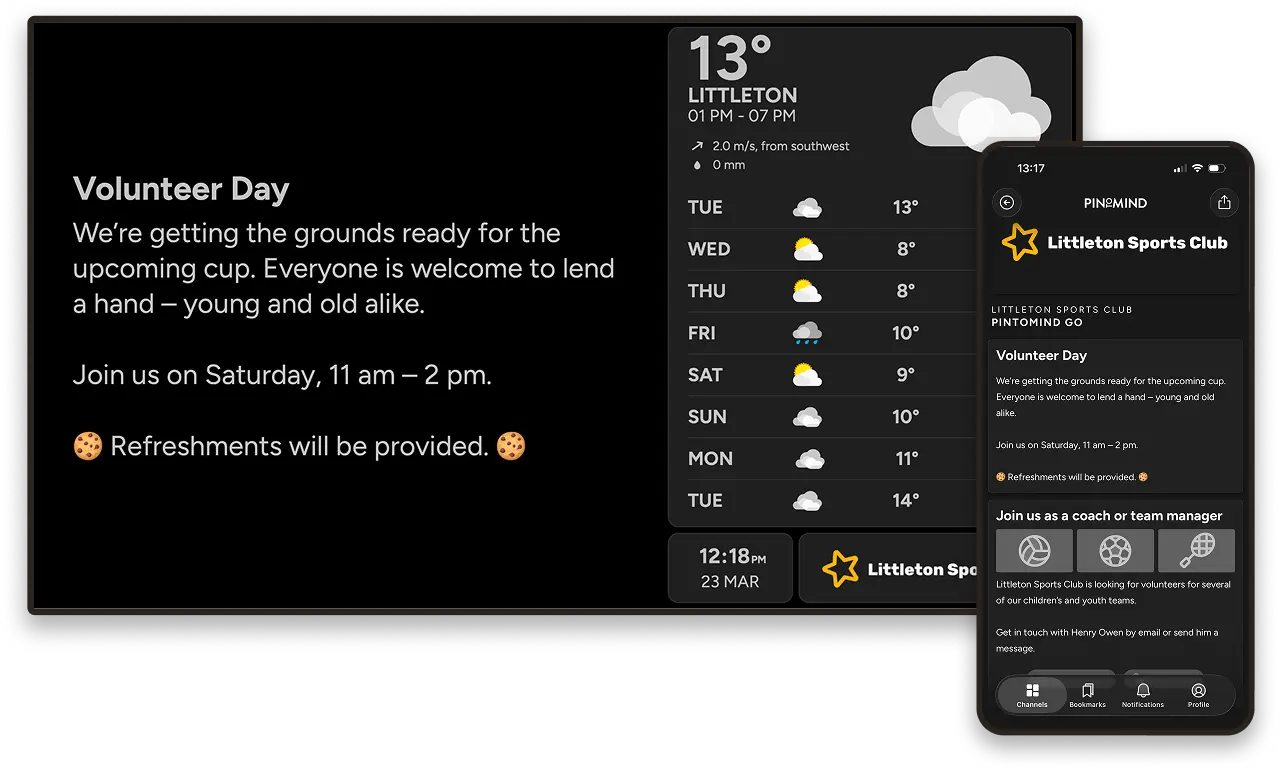
Volunteer organisations and community groups often need to share information with many different people at once.
Digital signage helps keep everyone informed without relying on a single communication channel.
Many organisations use screens in:
- clubhouses and community spaces
- sports halls and meeting rooms
- shared areas where people naturally gather
Combined with mobile communication, it becomes much easier to reach members, volunteers and parents wherever they are.
… and many more
Digital signage can be adapted to almost any type of organisation – from small community groups to large international businesses.
The common denominator is simple: If you need to share information efficiently, digital signage can make the job much easier.
How do you get started with digital signage?
In practice, you only need two things: A screen and a solution for managing content.
Choose the solution before the screen
Many digital signage solutions work with a wide range of screens, but most platforms still have recommended hardware.
That’s why I usually recommend choosing the software first – unless you already have screens in place.
Most providers offer free trials, so getting started is often as simple as signing up and exploring the possibilities.
Three reasons organisations choose PinToMind
Our digital signage solution is called PinToMind. Here are three reasons why many organisations choose it:
1. Easy to get started
You don’t need technical experience to get going. Most people are up and running within minutes, and it’s easy to understand what to do next. You quickly get an overview of both screens and content.
PinToMind is incredibly easy to manage. Highly recommended! Tone Hagen Fanebust, Krokeide Upper Secondary School
2. Stable and reliable
PinToMind simply works – every day. We make sure the platform stays stable, updated and available, so you can focus on what you actually want to communicate.
It’s rare to come across IT systems that don’t create at least some problems – but yours genuinely doesn’t! Rickard Nordin,
Härnösand Upper Secondary School
3. Reach people on mobile with PinToMind Go
Our mobile app, PinToMind Go, makes it even easier to reach people wherever they are.
A brilliant way to share information! Mobile notifications mean people actually see important updates, and we no longer have to put paper notices on the walls. Stine Høiby, Chairperson, Stjernebo Housing Association
Could digital signage work for you?
The best way to find out is simply to test it in practice. That’s why we let you try PinToMind free for 30 days.
You don’t need to have screens ready straight away. In the beginning, it’s really about getting familiar with the platform. You can create content and preview exactly how it will look on screen directly inside the solution.
It’s completely commitment-free and gives you a practical understanding of how digital signage could work in your organisation.
And if you decide to move forward after the trial, all your content and setup will already be in place.
Got questions? Get in touch! We’re always happy to talk about digital signage 😊







 Show details

 Back to top