

As a designer, I love playing with colour! But you don’t need to be a designer to create polished, great-looking digital signage. With PinToMind, we’ve already done most of the design work for you. Let me show you how little it takes to get a great result!
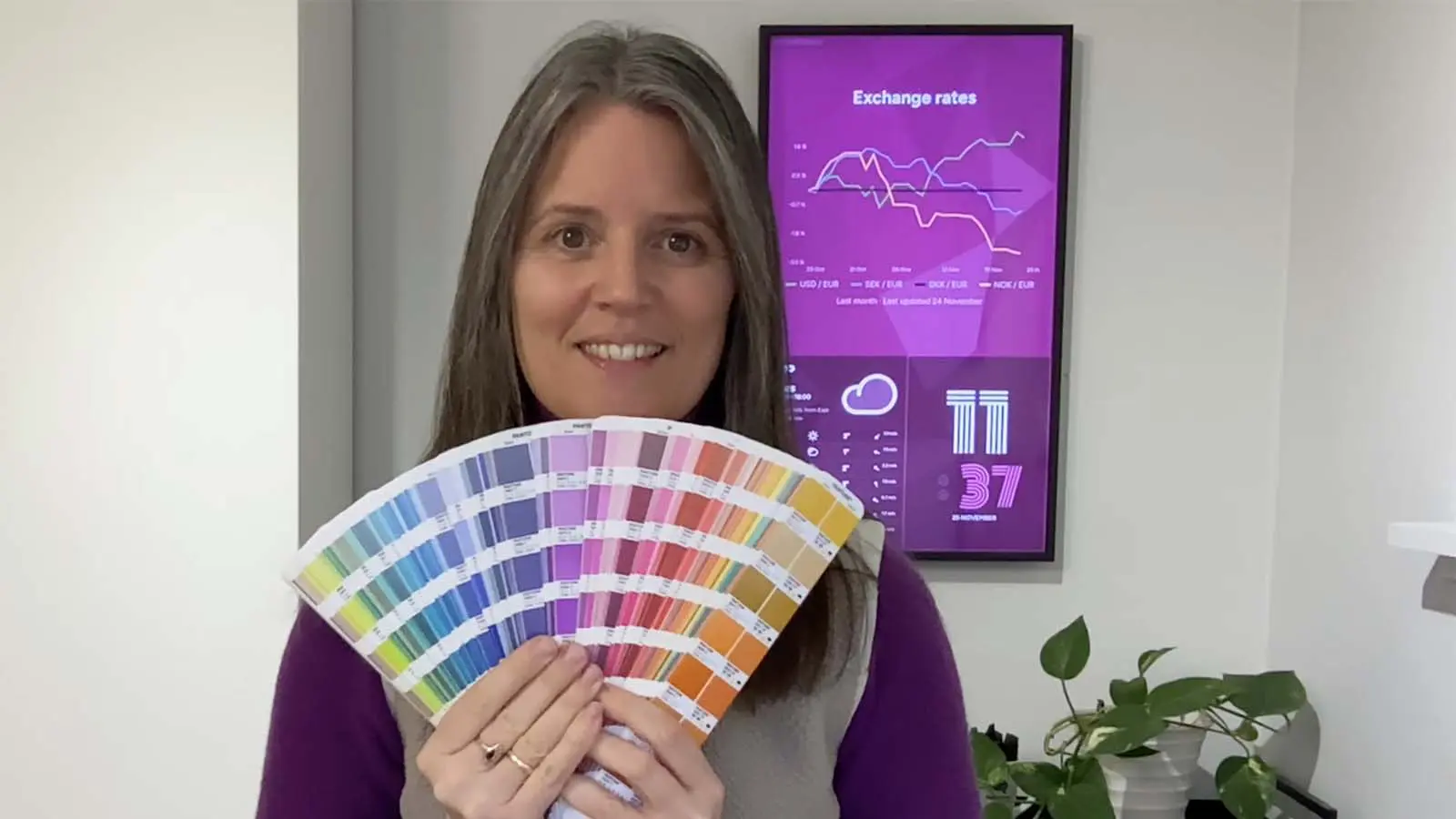
Pick a ready-made theme – we’ve done the work for you!
The colours, fonts and style on your screens are controlled by what we call a theme. A theme gives everything on your screens a consistent look, so you don’t have to think about design every time you create a new post.
PinToMind comes with a range of ready-made themes to choose from. Some are light and airy, others are dark and sleek, and some add an extra splash of colour.
The same content can look completely different depending on the theme you choose.
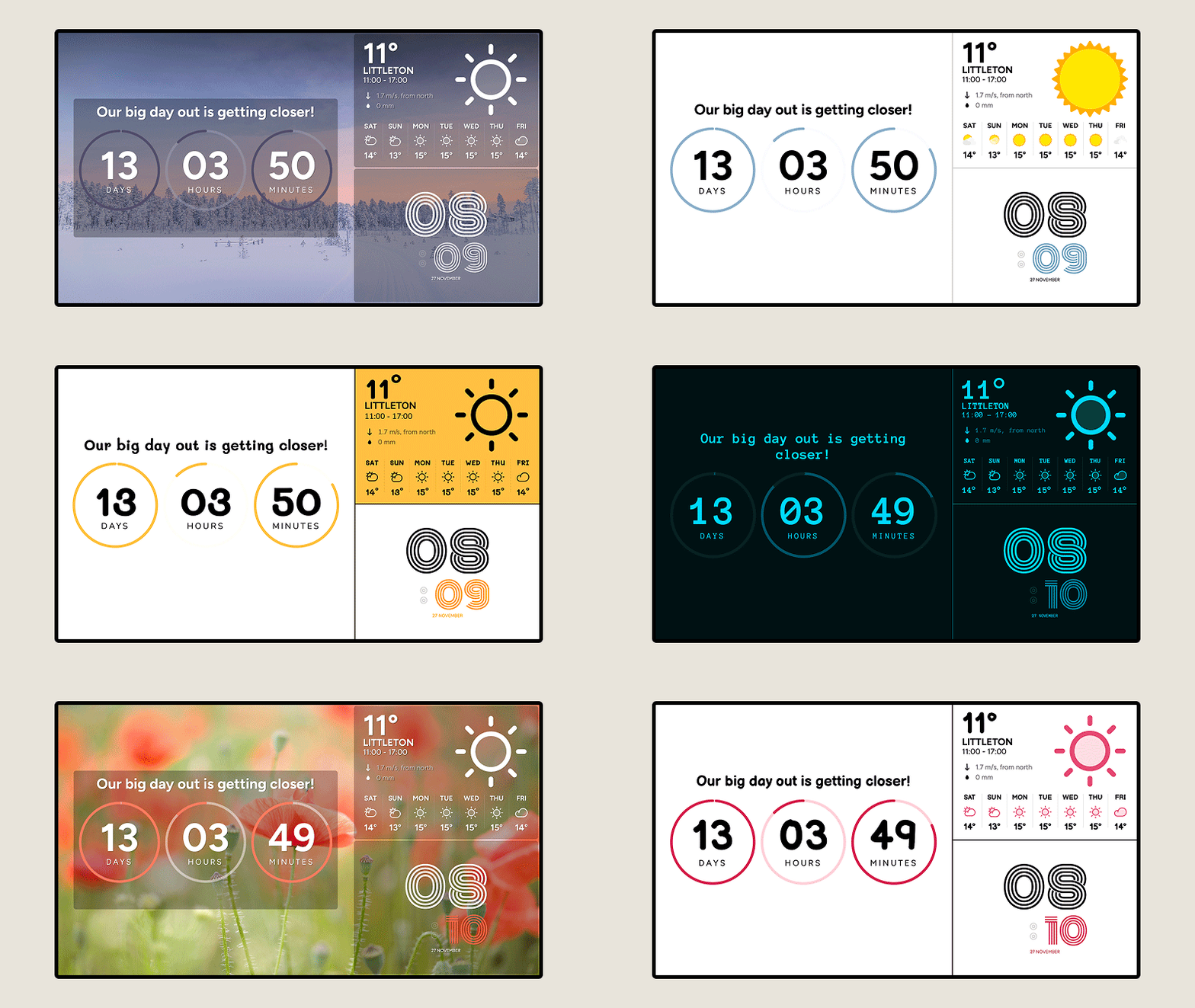
All our ready-made themes are designed to work perfectly with the different post types in PinToMind. We’ve taken care of the details – just pick a theme you like and start using it!
How to change the theme
With just a few clicks, you can change the whole look of your screen without touching the content itself. Watch how it’s done, or follow the steps below:
- Go to ⚙️ Settings for your channel.
- Click Change theme.
- Choose a theme under Ready-made themes.
- Click Preview to see how your channel will look with the new theme.
- Happy with it? Save. Not quite? Try another one!
Make a ready-made theme your own
Want something more tailored? There’s no need to build a theme from scratch! Start with one of our ready-made themes and make the changes you want.
One simple colour choice can make a big difference
The first four themes under Ready-made themes (White Highlight, Black Highlight, Sky and Classic) are especially well suited to customising with your own colours.
With just one colour choice, you can create a look that fits your brand and your surroundings – while keeping all the benefits of a ready-made theme.
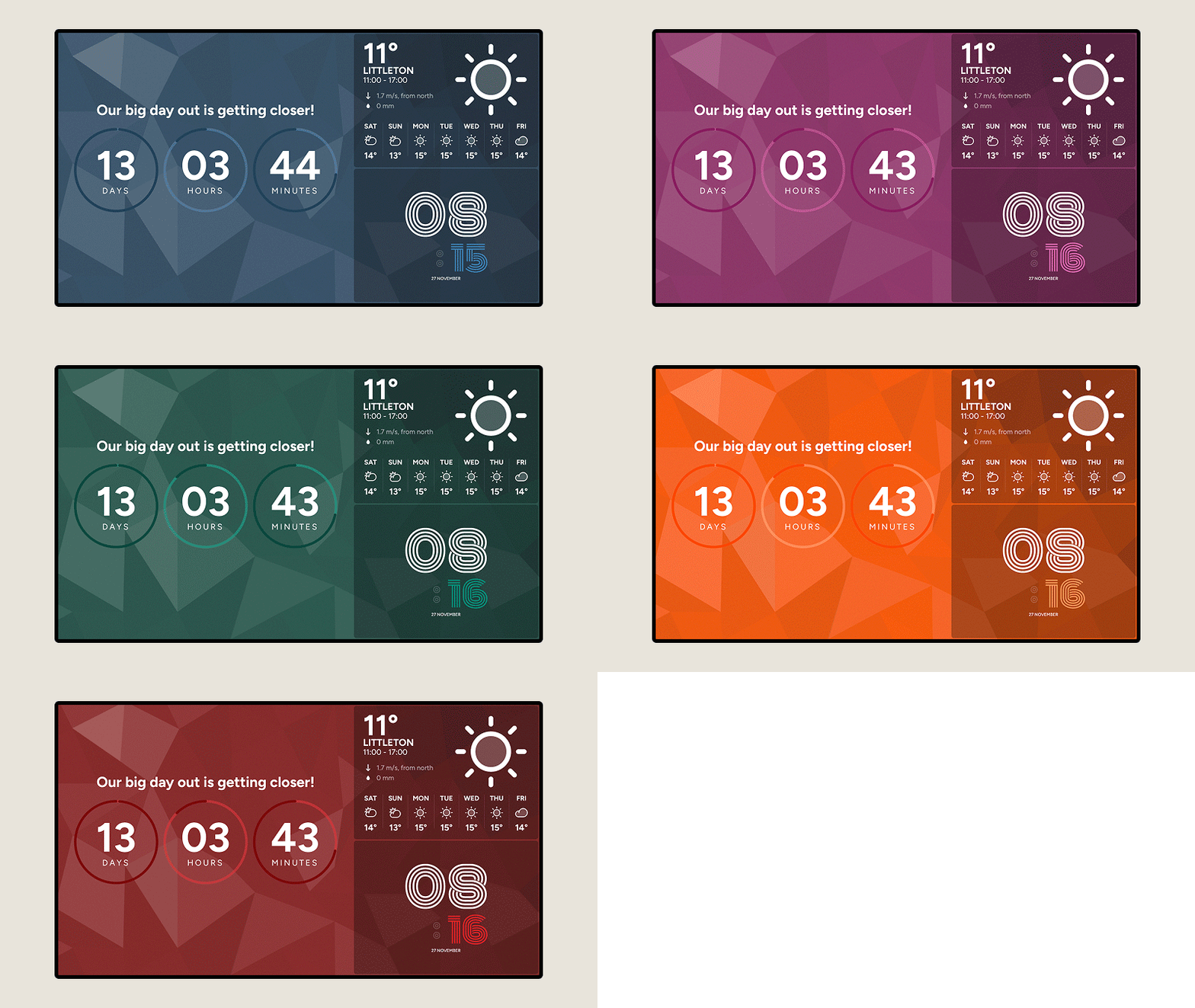
Choose from a wide selection of ready-made colour palettes, or create your own – based on your brand colours, for example.
How to customise a ready-made theme
Watch the video to see how easy it is to give a ready-made theme new colours, or follow the steps below.
- Choose a ready-made theme you like.
- Click the copy icon to the right of Change theme. This gives you your own copy of the theme to customise.
- Under Colour palette, choose one of the ready-made palettes. To use your own brand colour, click New colour palette.
- Click Preview to see the result on your channel.
- Give the theme a new name if you like – and save it. You’ll now find it under My themes.
The theme editor also lets you change fonts and much more. But remember, you don’t need to change a lot to get a great result. Often it’s the small touches that make the biggest difference!
Go ahead and experiment!
Explore the ready-made themes and have fun with different colour palettes. With the preview, it’s easy to try out different looks before you decide.
Good luck with your screens! 🎨 And if you have any questions, just ask us!







 Show details

 Back to top
