
Did you know that content from your digital signage screens can also be shared on mobile devices? With PinToMind Go, you can reach your intended audience wherever they are – at the right time. In this article, I’ll walk you through some of the benefits of using PinToMind Go as a brilliant extension of your digital signage screens.
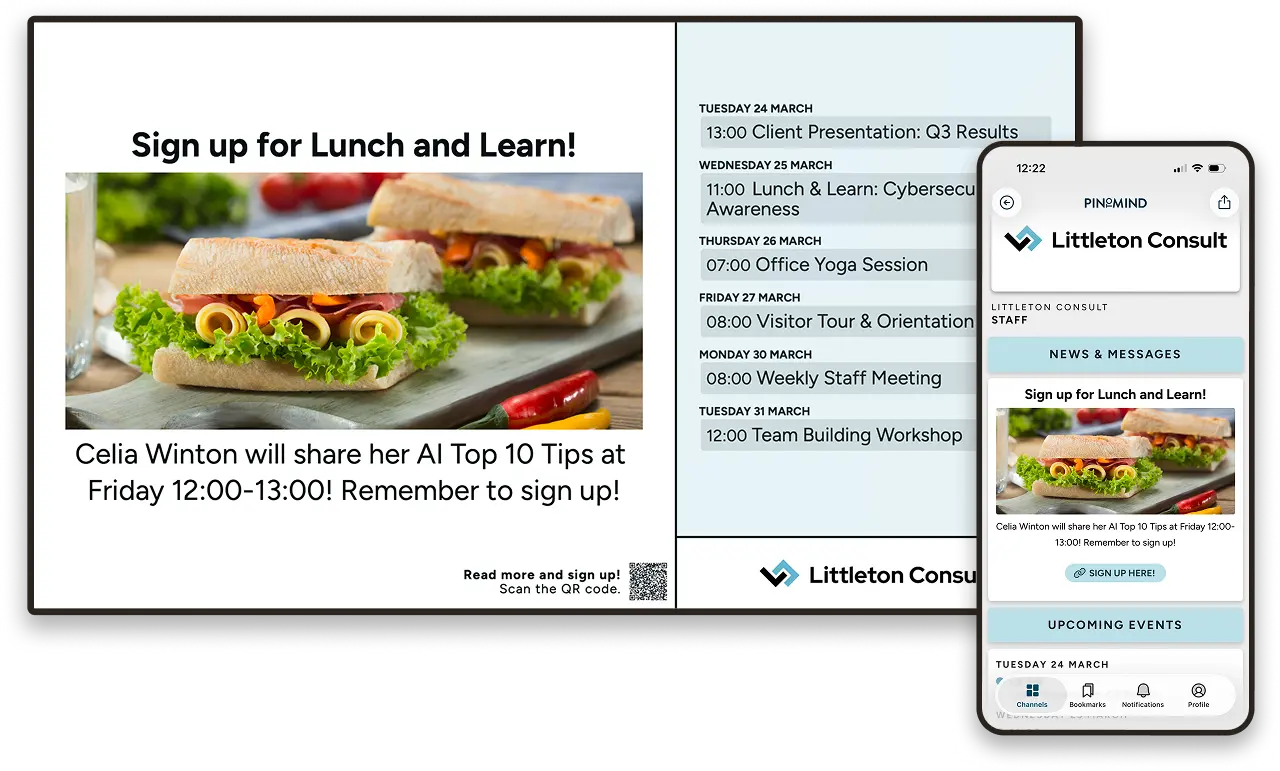
Save time. Send fewer reminders.
With PinToMind Go, you can share content to phones and tablets from the same place where you already manage your digital signage screens.
With Go, you can:
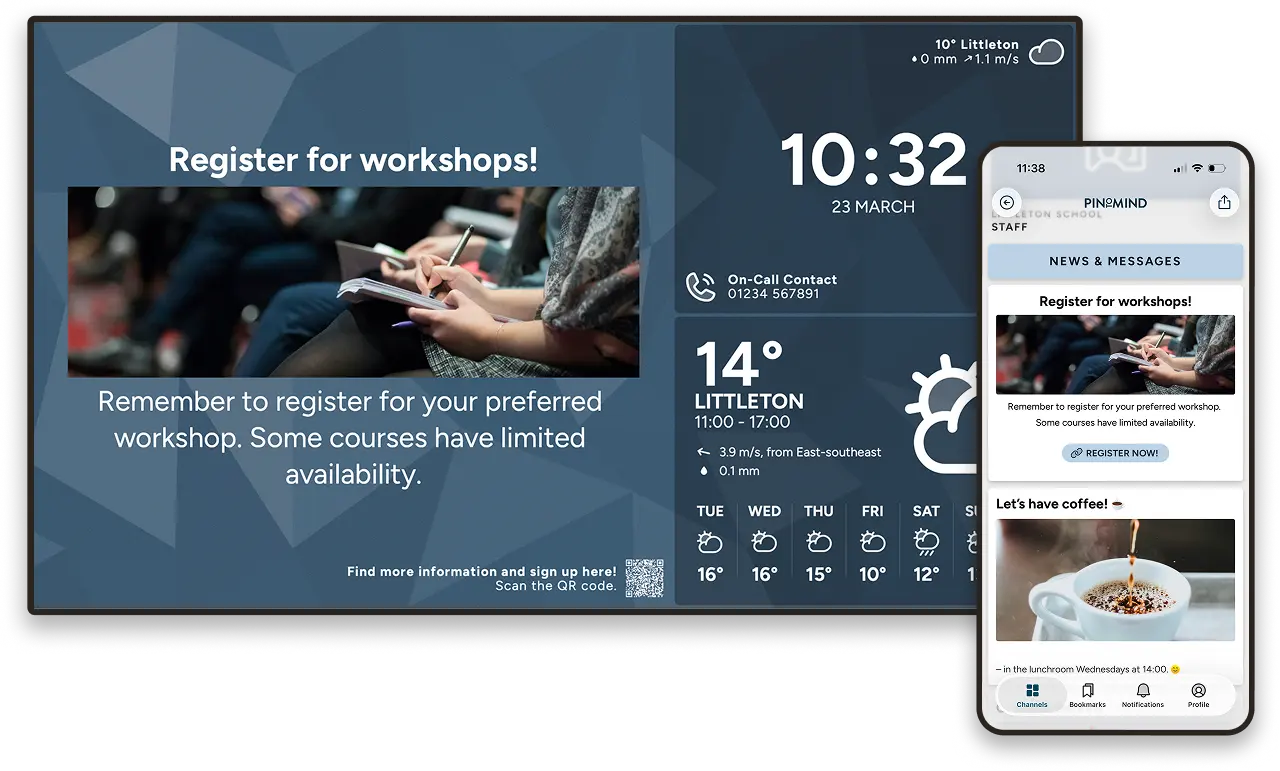
- Reuse your content: No need to create content twice. What appears on your screens is automatically adapted for mobile in a mobile friendly, scrollable format.
- Reach more people: Connect with people wherever they are – whether they are employees, visitors or other audiences.
- Notify people about important updates: Send push notifications to followers of your Go channel.
- Share more information: Add text, links and attachments. Perfect for sharing documents, agendas, registration links and more.
The combination of screens and mobile is really powerful. When you use both, you can be more confident that your information reaches the right people, in the right place and at the right time.
When everyone knows what’s going on, there’s less need for follow-up emails and reminders. That’s a win for everyone involved.
Continuous improvements
We’re constantly working to make Go even better. Here are some improvements I think many users will appreciate:
Push notifications
- Custom notification text: You can now choose exactly what the notification message should say.
- Multiple notifications per post: Schedule several push notifications for the same post.
- Notification centre: Notifications are stored in a dedicated notification centre, so your audience can easily keep track of important updates.
Would you like to start using push notifications? You’ll find a step-by-step guide in our help centre.
Other improvements
- More types of links: Link to phone numbers, email addresses and other Go channels, in addition to regular websites.
- QR code to the mobile version: Create a QR code for screen posts that takes viewers directly to the mobile version, complete with additional information, links and attachments.
- Customise the appearance: It’s now easier to personalise your Go channel with your own colours, images and logo.
You can read more in our help centre about how to share additional content in the Go app and how to customise the appearance of your channel.
Privacy you can trust
Perhaps you’re not entirely comfortable using social media as a communication channel? I think it’s worth mentioning that PinToMind Go is ad-free and completely free from algorithm-driven content, and that privacy is well taken care of. PinToMind Go is fully GDPR compliant, so you can use it with confidence.
Accessibility for everyone
I’d also like to highlight how Go can improve accessibility. When content that appears on your screens is also available on mobile devices, it becomes easier for people with visual impairments and other accessibility needs to access the same information.
The app automatically follows the accessibility settings on the user’s device, including text size and screen readers.
Get started with PinToMind Go
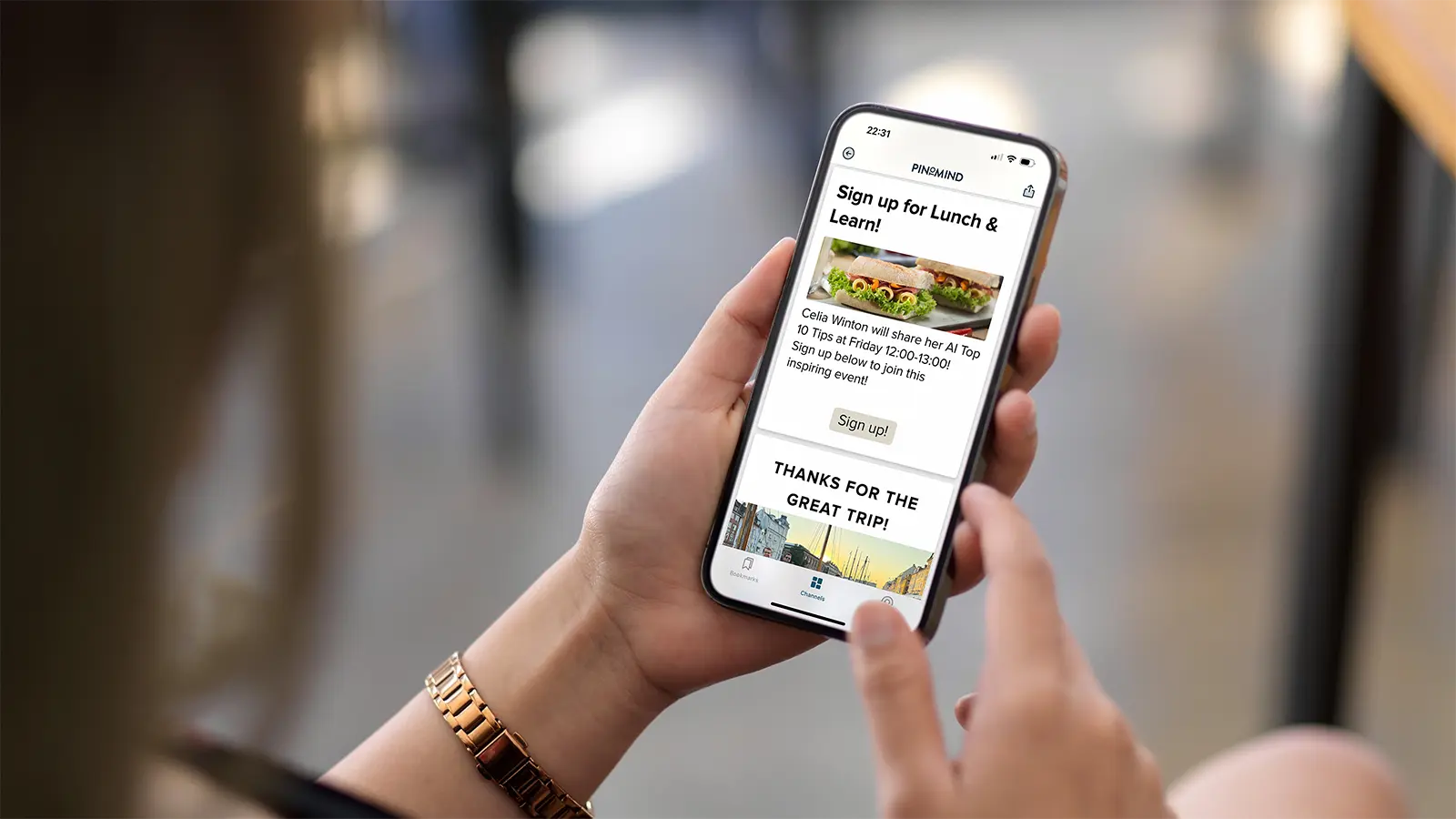
My recommendation is to try one of these features straight away – whether it’s push notifications, QR codes or sharing additional information. It’s often only when you start using Go that you realise how powerful the combination of screens and mobile can be.
Already using PinToMind? Go is included and ready to use. You’ll find a range of guides and tips in our help centre, or you can join one of our dedicated Go webinars.
Not using PinToMind yet? Start a free trial. You’ll be able to explore everything, including the Go mobile app, and see how the combination of screens and mobile can help you reach people with important information.







 Show details

 Back to top